Best Lead Capture Software for Service Businesses
By Adrian Stefan Gebri · Nov 24, 2026

A website visitor who wants a project estimate shouldn’t have to wait for a callback just to learn the next step. The best lead capture software collects useful details and helps move that visitor toward a real conversation. Here are six options, starting with the one built for service businesses that sell by appointment.
1. Preframe: instant estimates and booking for home services
Preframe is booking software for businesses that sell by appointment. Its Smartform asks visitors about a project, shows an instant estimate based on your pricing, qualifies the lead, and lets them book an appointment. Your team gets the answers and estimate before the first conversation.
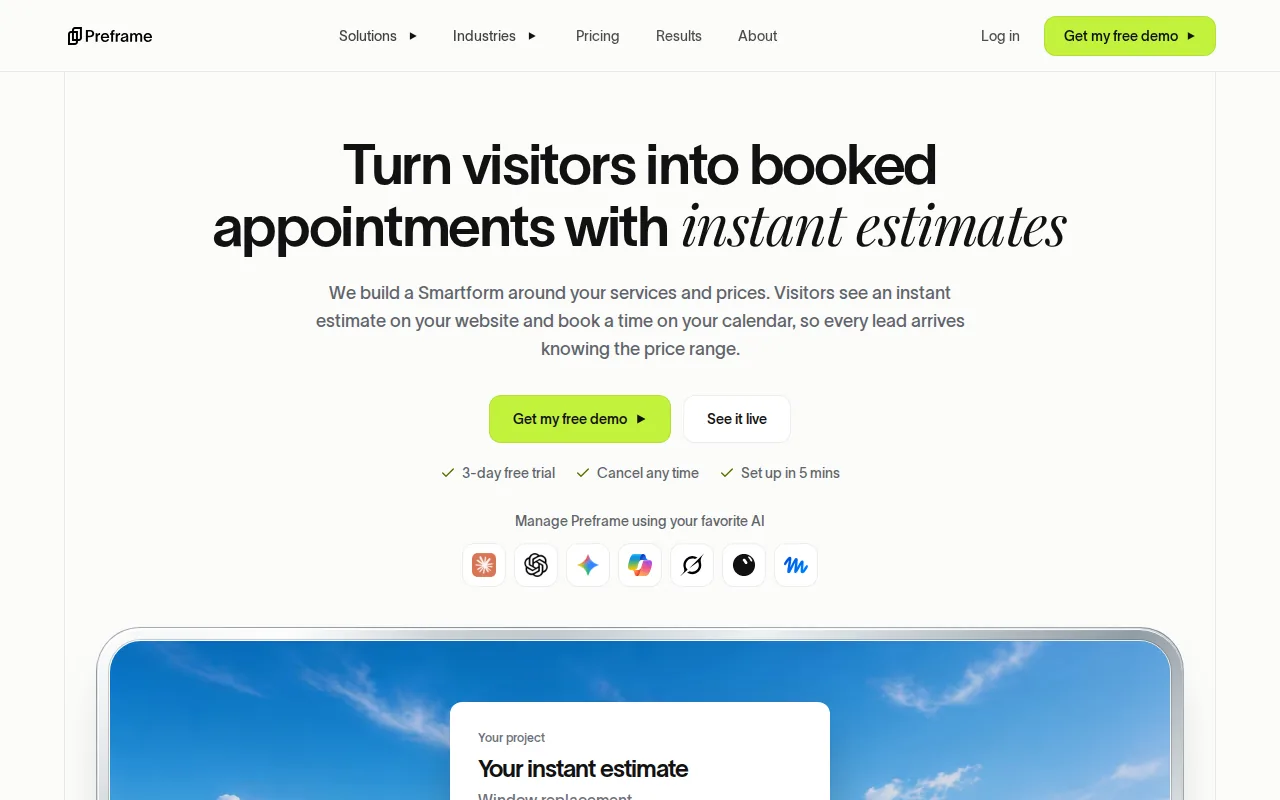
Think of a roofing buyer who wants a price range before agreeing to a sales visit. The Smartform can collect project details, show an estimate, then guide a qualified visitor to book. For example, a visitor asking about eight replacement windows might see a range such as $8,400 to $10,600. Your own pricing and service details shape what visitors see.
That’s a different job from collecting an email address and sending it to a list. Preframe connects the first website click to an estimate and a booked appointment, so your rep has context for the next conversation. If you already use a CRM or field-service system, Preframe can fit alongside tools such as Salesforce, HubSpot, and Google.
We build a custom Smartform around your services and pricing. You review and approve it, then we launch it on your existing website. A visitor answers a few questions, sees a price range, and can choose an appointment time. No back-and-forth just to get the first meeting on the calendar.
Preframe’s monthly Software & Managed Service plan starts at $499 per month, plus a $2,500 one-time setup. The yearly plan is $4,990 with no setup fee. Performance pricing is $150 to $300 per shown appointment, usually $199, with no setup fee; ad spend is paid directly by you. For teams that want the first contact to include an estimate and booking, Preframe Smartforms for instant estimates and lead qualification connect those steps.
2. HubSpot Marketing Hub: lead capture connected to CRM follow-up
HubSpot Marketing Hub connects form submissions to CRM follow-up. Every submission becomes a contact record, giving teams a place to organize lead details and continue the conversation after a form is sent.
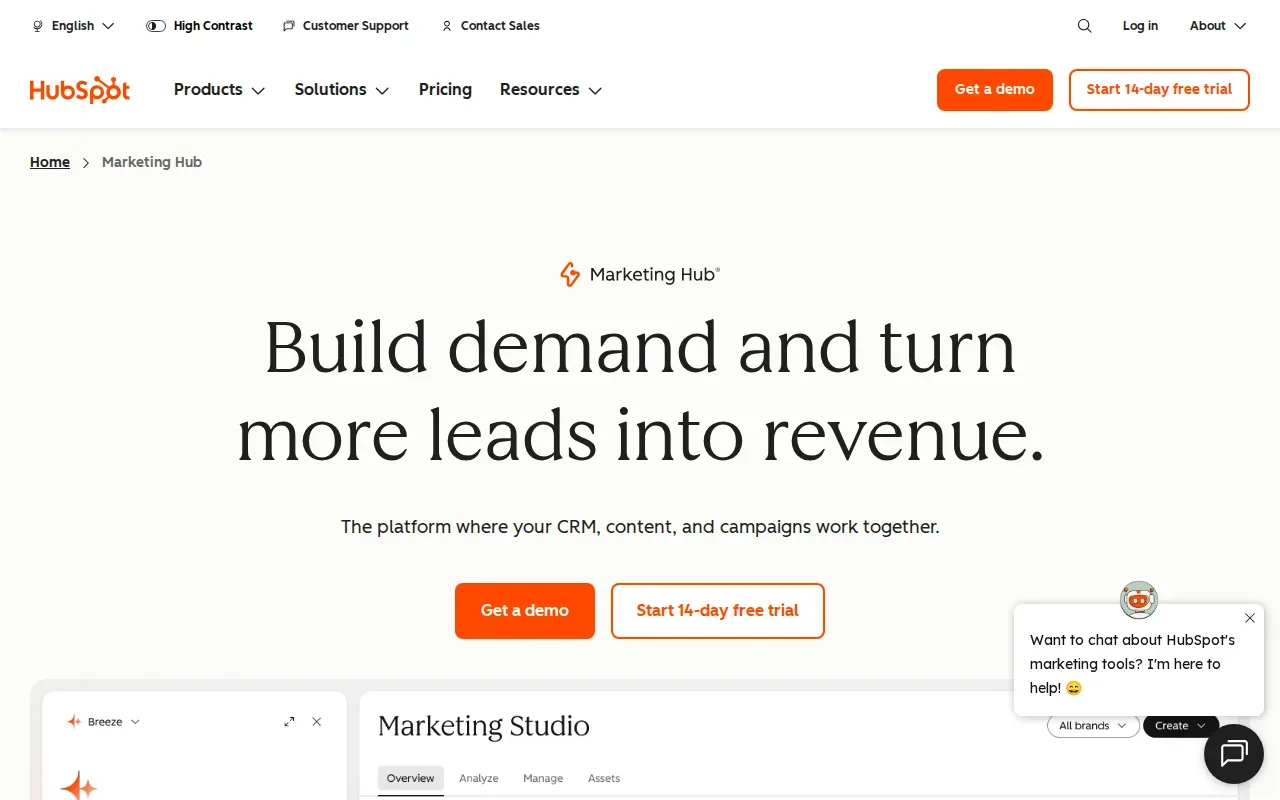
That can help when a service company receives inquiries from more than one campaign or web page. Instead of treating each form entry as a separate email, the team can use contact records to track follow-up. HubSpot’s lead capture tools include automation such as follow-up sequences, lead scoring, attribution, and workflow orchestration.
HubSpot offers a free tier. Its lead capture features are part of Marketing Hub, while advanced options such as progressive profiling and conditional routing are available in Professional and Enterprise editions.
HubSpot is a fit when your central need is to keep marketing activity and lead records connected. A service business can use those records to see which inquiries need attention and keep follow-up in one CRM workflow. That’s useful when more than one person handles new leads.
It’s a different starting point from Preframe. HubSpot focuses on capturing and managing contact records; Preframe is designed to put an instant estimate and appointment booking into the buyer’s first step. Pick based on where the friction sits: CRM follow-up or the path from project questions to a booked visit.
3. Jotform: flexible forms for quote requests and workflows
Jotform is a no-code form builder for quote requests and other intake tasks. It also sells workflow automation and AI agents, which can help teams shape what happens after someone submits information. Jotform reports more than 35 million users.
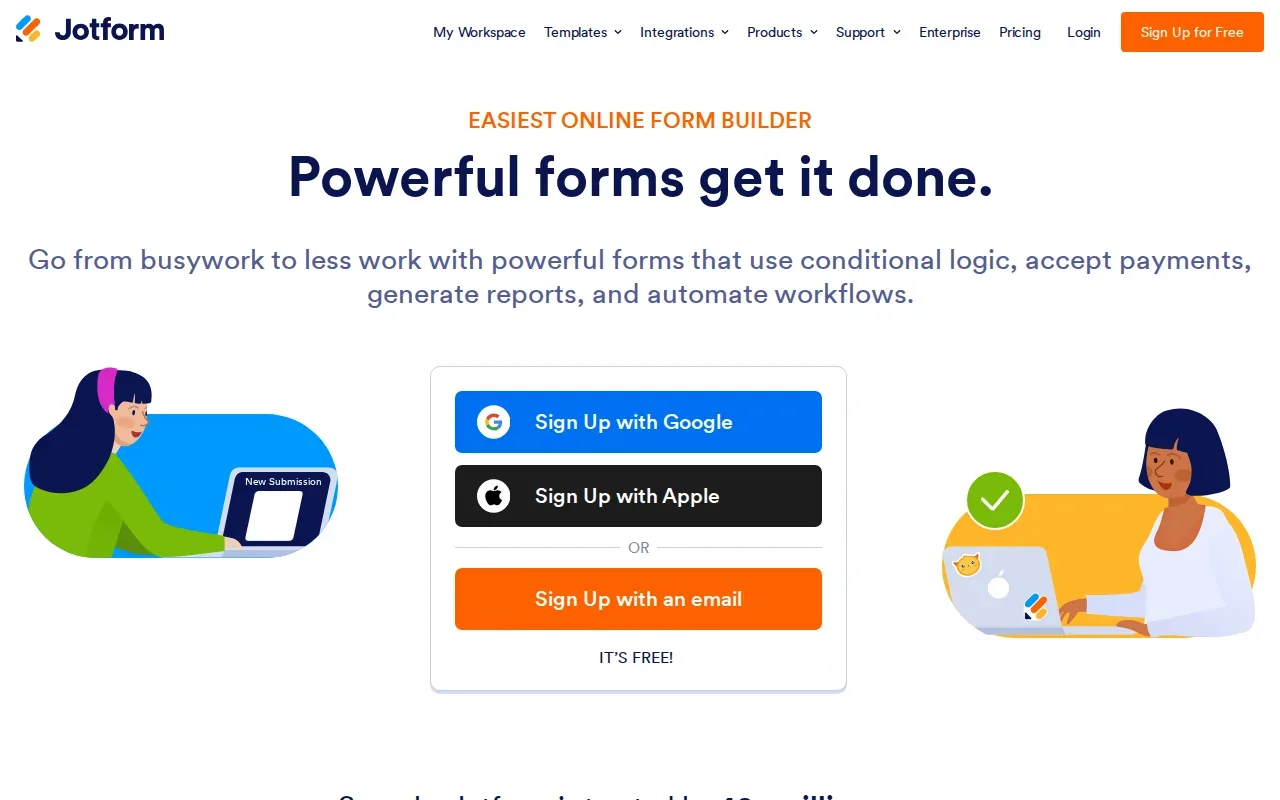
For a contractor, a quote request form can ask what kind of work the visitor needs before the team follows up. Jotform’s lead generation tools also include conversational AI agents that collect details through a chat-style exchange. That gives a business another way to gather project information when a visitor would rather answer questions than fill in a standard form.
Jotform’s free plan can be a starting point for a team testing a form-based intake process. Its workflow automation and AI agents can support more involved follow-up. The useful question is what you need to happen after submission: a notification, a more organized workflow, or a conversation that gathers details as the visitor responds.
A quote request form and an instant estimate are not the same thing. A form can collect a buyer’s project details so a staff member can prepare a quote. Preframe’s Smartform can show a price range drawn from your own pricing before the visitor books. If the buyer needs a number before committing to a call, that difference matters.
Jotform is worth considering when you need a flexible form and want to build a workflow around its submissions. For a team whose main goal is instant pricing followed by appointment booking, compare that intake flow with a Smartform before choosing.
4. Leadpages: landing pages with lead enrichment and routing
Leadpages builds landing pages for small businesses and includes lead enrichment. It has been building pages for small businesses since 2012, and its current tools include AI page creation and Smart Traffic auto-routing.
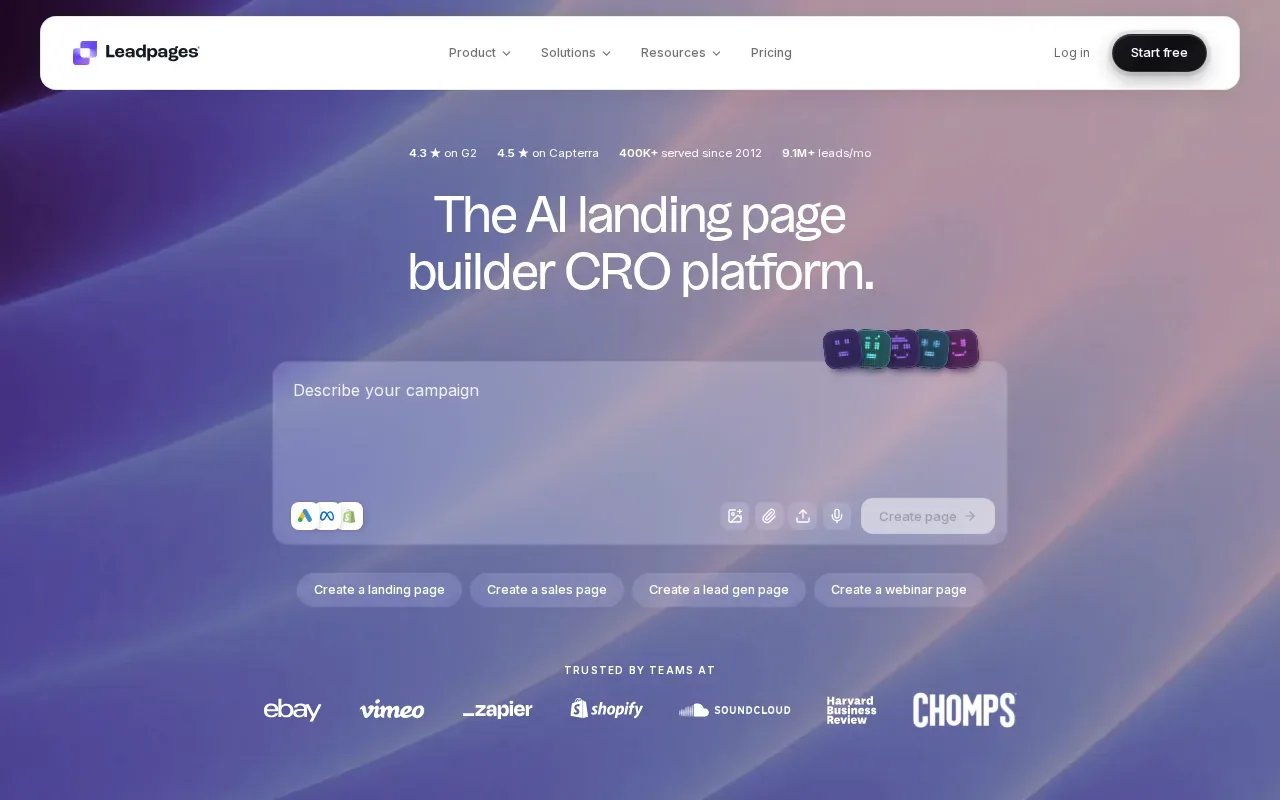
A dedicated landing page can give one campaign a focused next step. For example, a window company running an offer can send visitors to a page built around that service, rather than asking them to find the right path through a general homepage. Leadpages can also auto-personalize pages, helping teams route visitors to a page variant based on campaign context.
Leadpages plans start at $49 per month, with a lower rate on annual billing. Its lead enrichment and page tools suit a business focused on marketing campaigns and landing-page traffic. Those tools address the page and the visitor’s information; they don’t replace the need to decide how a project inquiry should move into a sales conversation.
For a service company, the key check is whether the page leads to an action your team can handle. A form that gathers a name and project type may be enough for a callback workflow. If buyers need to see a price range and book, make sure the page connects to that kind of buying journey rather than stopping at a contact submission.
Leadpages is a natural fit for campaign pages. Preframe fits the earlier part of a service sale when buyers need project questions, an estimate, and booking in the same flow.
5. OptinMonster: conversion campaigns for existing website traffic
OptinMonster is a conversion tool for turning existing website visitors into subscribers, inquiries, or customers. It places pop-ups, floating bars, slide-ins, and inline forms on a website, then uses follow-up logic to target campaigns.
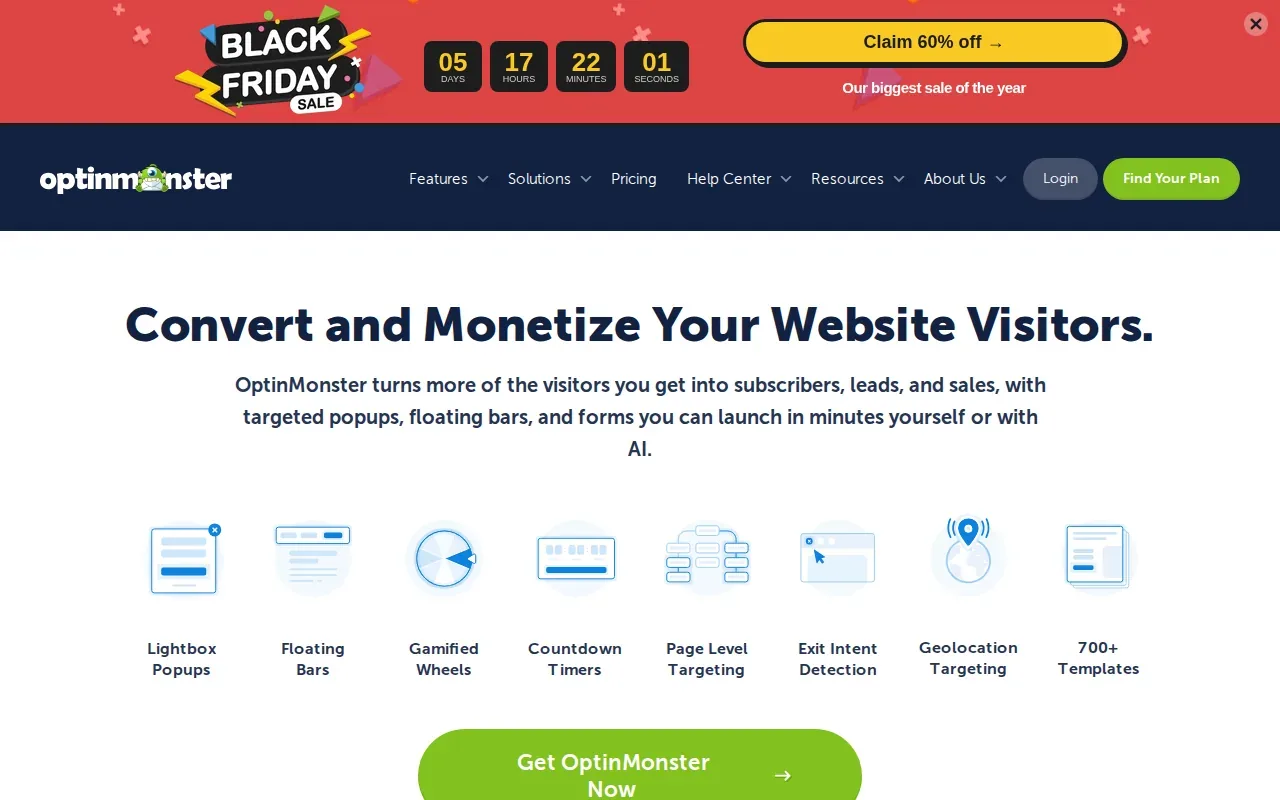
That makes it useful when your site already gets visits but many people leave without taking action. A campaign can ask a visitor to subscribe or make an inquiry while they browse. OptinMonster also supports testing different campaign versions, so a marketer can compare which message or layout gets more responses.
Its integrations include Shopify, WooCommerce, Magento, and Zapier. For a service business, the main decision is what the campaign asks visitors to do. A pop-up can collect an email or invite an inquiry, but it may not give a buyer a project estimate or a direct booking path on its own.
Use OptinMonster when you want to make more of the traffic reaching your current site. Set the campaign around a clear visitor action and connect the captured details to the follow-up process your team already uses. For estimate-led sales, pair that approach with a page or form that can answer the buyer’s pricing question.
6. Poptin: pop-ups, forms, and email marketing in one platform
Poptin combines a pop-up builder, a form builder, and an email marketing module. It can send broadcasts and run automations, which gives marketers a way to follow up with people who join a list or submit a form.
A service business might use a pop-up to offer an email update or a form to collect an inquiry. Poptin’s email module can then support messages to captured contacts. That setup is most useful when growing an email list or running ongoing campaigns is part of the team’s lead process.
Poptin’s starting price is $19 to $25 per month on annual billing. It brings website forms and email follow-up into one platform. Before launch, map what happens after a visitor submits: who owns the inquiry, what the buyer receives next, and when the sales team steps in.
A visitor comparing a roof replacement or window project may want an estimate and a chance to book. Poptin can support capture and email campaigns; Preframe is built around moving that buyer from project details to an appointment.
Compare the Best Lead Capture Software at a Glance
These tools do different jobs. Compare them by the next action you want a visitor to take, not by the number of features on a product page. The table focuses on the first part of the buyer journey and the type of follow-up each option supports.
| Option | Best fit | What happens after capture | Starting price or plan |
|---|---|---|---|
| Preframe | Service businesses that sell by appointment | Smartform shows a price range, qualifies the lead, and lets the visitor book | $499/month plus $2,500 setup, or $4,990/year without setup |
| HubSpot Marketing Hub | Teams that want forms connected to CRM follow-up | Submission becomes a contact record; automation can support follow-up and scoring | Free tier |
| Jotform | Teams that need flexible forms or quote requests | Forms can connect to workflow automation and AI agents | Free plan |
| Leadpages | Small businesses focused on campaign landing pages | Lead enrichment and Smart Traffic routing support page campaigns | $49/month, less on annual billing |
| OptinMonster | Marketers with existing website traffic | Targeted campaigns collect subscribers or inquiries | Starts at $7/month |
| Poptin | Teams combining website forms with email marketing | Captures contacts, sends broadcasts, and runs automations | $19 to $25/month on annual billing |
For service businesses, a capture tool is only one part of the path. A visitor still needs a clear next step, and your team needs enough context to respond well. If scheduling is the missing piece in your current flow, Preframe’s appointment scheduling software explains how booking can follow qualification instead of a separate round of messages.
Also decide what happens to the information after submission. Collect details that support the next step, then make sure only the right people can access them.
Frequently Asked Questions
What is lead capture software?
Lead capture software collects contact or project details from people interested in a business. It may use a website form, landing page, pop-up, or guided intake. For service businesses, the next step matters too: the details should reach the person who can follow up, and the visitor should know what to expect after submitting.
What is the best lead capture software for a service business?
The best option depends on the step your business needs to improve. Preframe is built for service businesses that want visitors to answer project questions, see an instant estimate based on company pricing, and book an appointment. A CRM-focused team may prefer HubSpot Marketing Hub, while a team focused on email sign-ups may look at pop-up tools.
Can lead capture software give customers an instant estimate?
Yes, some tools can show an instant estimate. Preframe Smartforms use your services and pricing to show visitors a price range after they answer questions. Jotform can collect quote requests, but collecting details for a later quote is different from showing a price range during the form flow.
How do I add a lead capture form to my website?
Most businesses add a form or campaign to a page using the software’s setup options, then connect submissions to the team’s follow-up process. Before publishing, test it on a phone and desktop. Check that each field is clear, the confirmation appears, and a test submission reaches the right person or system.
Should I choose a CRM or a form builder?
Choose a CRM-centered tool when your main need is to store lead records and organize follow-up. Choose a form builder when your main need is to collect specific information through a custom intake. Some teams use both. For appointment-based services, also check whether visitors can see an estimate or book without waiting for a separate reply.
Conclusion
If your service business needs to turn project interest into an informed, booked appointment, start with Preframe. We build the Smartform around your services and pricing, then you approve it before launch. If buyers need more context before they meet with your team, see how we handle lead qualification for high-consideration services.